Short answer: yes, you should test your website AI agent before launch, and it takes less time than you might think. Try it on a preview, ask the questions your real visitors would ask, and let a few colleagues poke at it before you add it to your live site.
Picture hiring a new receptionist and putting them on the front desk without a single practice question. Most of us would at least ask, “What would you say if a customer asked about refunds?” Your website AI agent deserves the same courtesy.
Good news: BizDriver is designed so you can try things out first. You test the agent widget before publishing it, and you can share a dedicated page that contains the widget for wider internal testing, so nothing goes live until you are ready.
Why should you test an AI agent before visitors meet it?
An AI agent answers from the information it is given: your website, your FAQs and any files you add. If a page is outdated, or a detail is missing, the agent can sound vague or get something wrong. That is the so-called AI chatbot hallucination problem, where a tool produces an answer that sounds confident but is not right.
A little testing means you meet those gaps in private, not in front of a customer. It also fits a lesson we have written about before: automating too quickly tends to backfire, as we explored in what 2025 taught us about over-automating too fast, and in the risks of AI-powered communication tools and how to fix them.
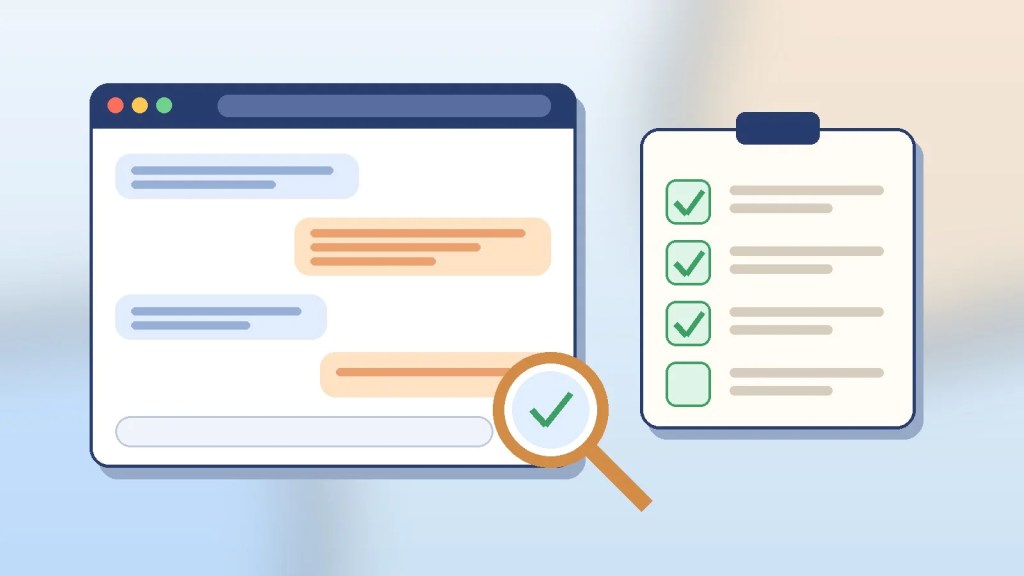
How do you run a simple chatbot testing checklist?
Step 1: Start on the preview, not your live site
If you have not yet built your agent, you can create a free AI chatbot for your website from your URL. Then try the widget in the preview first. Nothing is added to your live pages until you paste in the JavaScript snippet.
Step 2: Ask your ten most common questions
Open your inbox or call notes and pick the ten questions people ask most: opening hours, prices, delivery, cancellations, service areas. These are your core chatbot testing scenarios. Check each answer against your website and fix the source page if the answer is off.
Step 3: Try the awkward questions
Now be a little mischievous. Ask something your website never covers. Ask a question with a typo. Ask two things in one message. Ask for a discount you do not offer. A good answer is accurate, or it admits it does not know and points to a next step, such as contacting your team. A confident wrong answer is the one to fix.
Step 4: Share the test page with a few people
Use the shared test page and invite two or three colleagues, ideally someone who knows the business well and someone who does not. Fresh eyes ask different questions. Ask them to jot down any odd answers, so you have a short list to work through.
Step 5: Fix the source, then test again
When an answer is wrong, resist the urge to blame the agent first. Check the page or file it learned from. Update it, then ask the same question again. This is chatbot accuracy testing in its simplest form, and it works because good answers start with good content, as we describe in our guide on what to publish on your website as a chatbot knowledge base.
Who should try your AI agent before launch?
Aim for a mixed group: a long-time team member, a newer colleague, and perhaps a friendly customer. Give them a few scenarios, but also let them wander. If you are unsure how to phrase prompts, our short piece on how to talk to your AI agent is a gentle starting point.
What should you do after launch?
Testing is not a one-off. Websites change, so keep an eye on real conversations and re-run your ten questions whenever prices, policies or products change. BizDriver also includes automatic answer quality monitoring and conversation analytics, which can help you keep watching quality over time.
Ready to try it yourself?
You do not need a developer or a big project. Enter your website address, let BizDriver build an AI agent built from your URL, and give it a friendly test drive. The Free Forever plan is $0 with 500 messages a month, no card required and not a trial. If you would like help, you can also book a 1-on-1 consultation. It is a sensible AI chatbot for small business teams who like to check their work before the doors open.


Leave a Reply